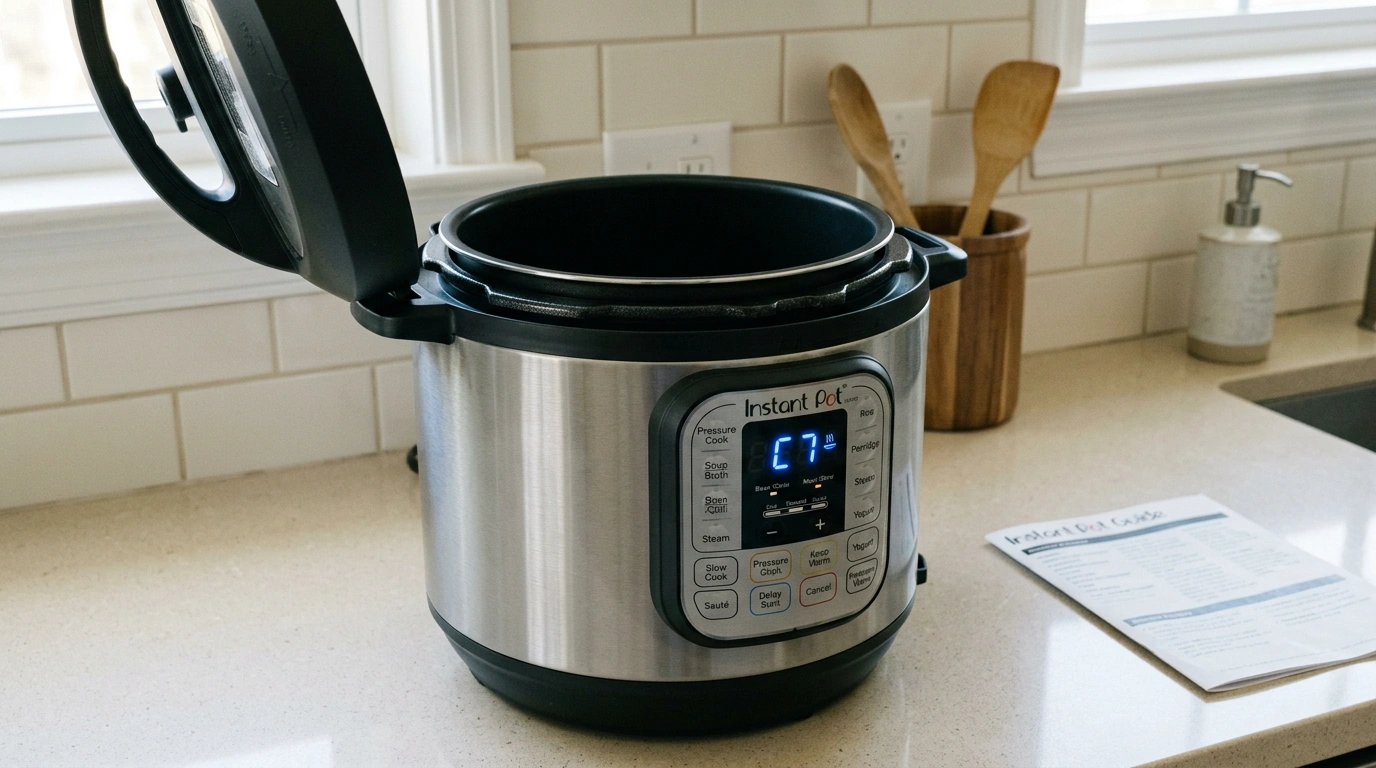
The Instant Pot C7 error usually means the cooker can’t heat or build pressure. Often, it’s something simple, like not enough liquid or a steam-release switch set incorrectly.
So, before assuming your Instant Pot is broken, check the simple things you can see and understand first. Depending on the model, C7 can also indicate a failed heating element. If the issue keeps coming back, you’ll need help from Instant Pot Customer Care.
Why is My Instant Pot Showing a C7 Error?
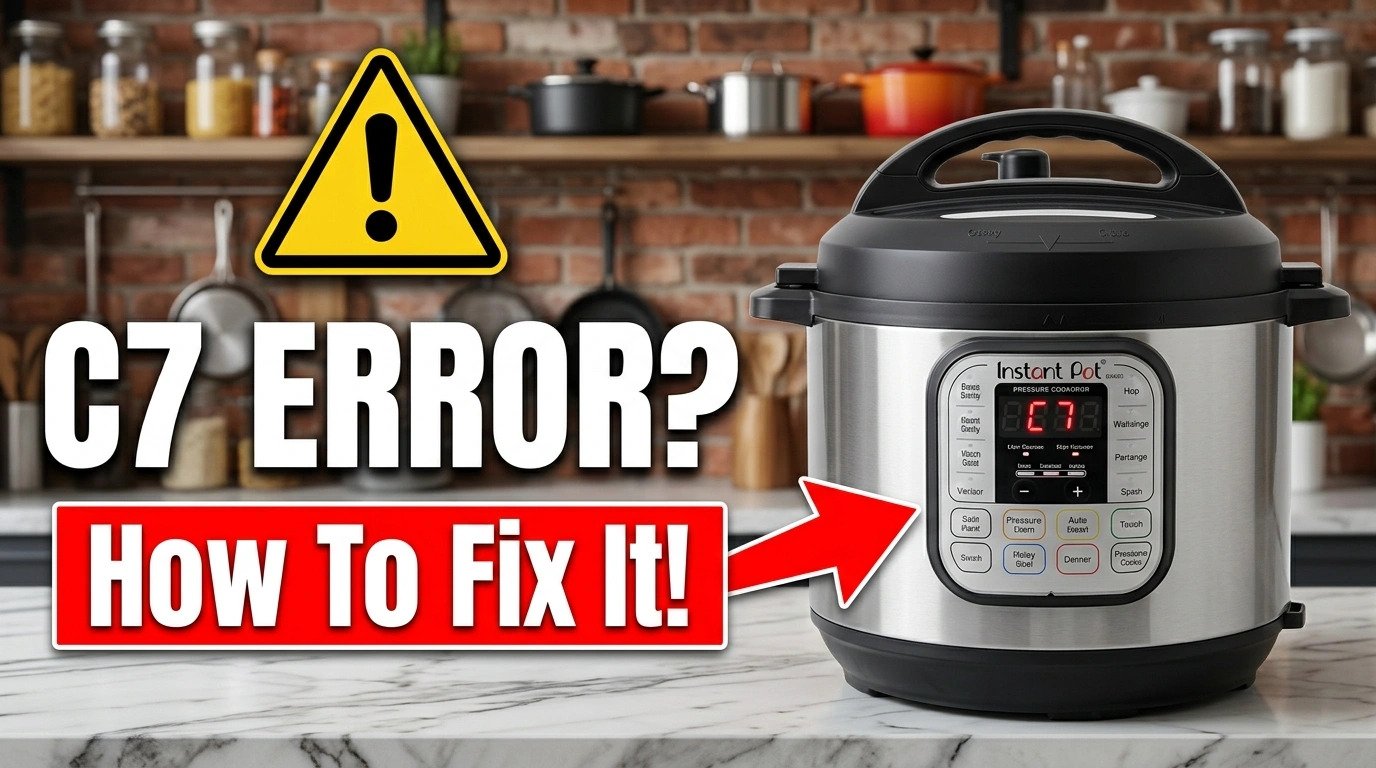
The dreaded C7 code can ruin your dinner plans, and nothing is more frustrating than getting excited about hearty chili, only to see a C7 error a few minutes later. Well, it doesn’t point to just one problem across every Instant Pot model. So, what does the C7 code mean?
C7 is one of the most common Instant Pot error codes, and it may mean the heating element is faulty. The issue could be a faulty temperature sensor or wiring.
What Should You Check When C7 Error Appears Before the Instant Pot Starts Cooking?
First, turn off the appliance and let it cool completely. Next, start with the things you can safely check yourself:
- Is there enough thin, water-based liquid in the inner pot?
- Is the steam-release switch set to Seal?
- Is the inner pot sitting correctly inside the cooker base?
- Is the heating area clean and dry?
- Does the C7 message disappear after correcting the setup?
If you’ve checked these and the error keeps returning, the heating element or another internal component may need professional attention.
How to Fix the Instant Pot C7 Error?
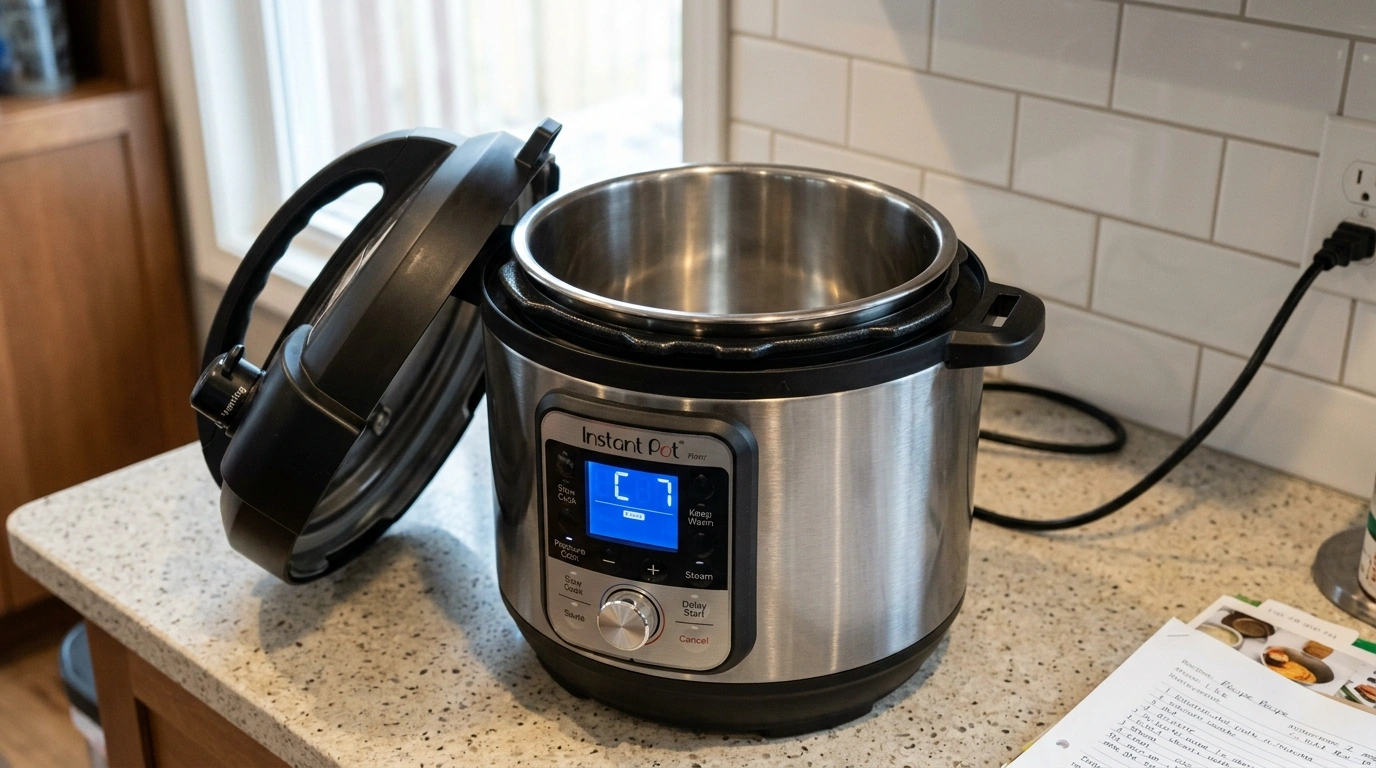
If your Instant Pot shows a C7 error, follow these steps. You don’t need to take the cooker apart or start poking around inside the electrical components.
Check the Liquid in the Inner Pot
Your Instant Pot needs enough thin, water-based liquid to generate steam and build pressure. If there isn’t enough, the cooker may display C7. The required amount depends on the pot size and model.
For example, some 6-quart models specify 1½ cups (375mL) of liquid, while larger models may require more. Follow the liquid requirement in your model’s manual rather than adding a random amount.
Also consider what you are cooking and what ingredients you are using. Thick sauces, oils, and dense mixtures don’t behave like water when the cooker tries to build pressure. If your recipe already contains liquid, check whether it meets your model’s minimum requirement before adding more.
Make Sure the Steam-Release Switch is Set to Seal
This is an easy one to overlook. For pressure cooking, set the steam-release switch to Seal. If it is left in Vent, steam can escape instead of building pressure. Instant Pot manuals specifically list the steam-release switch being in the Vent position as one possible cause of a C7 or NoPr message on applicable models.
So, check the switch before doing anything more complicated. If you’ve just finished cooking and the pot is pressurized, don’t force the lid open. Read the manual to follow the pressure-release instructions for your model and recipe.
Check the Inner Pot is Sitting Correctly
Remove the inner cooking pot after the appliance has cooled down. Also, check its outside surface and the inside of the cooker base. The bottom of the inner pot should be clean and dry before you put it back into the cooker.
Make sure nothing is sitting underneath the pot. A small amount of liquid, food, or debris can interfere with the proper contact between the inner pot and heating element.
Check the Heating Area
The heating element is located inside the cooker base underneath the inner pot. With the appliance unplugged and completely cool, look for food particles, moisture, or other debris around the heating area. If you find moisture, wipe it away immediately with a clean, microfiber cloth before using the cooker.
Do not pour water directly into the cooker base. If the heating element itself appears damaged, don’t try to repair it yourself. In that case, Customer Care or an authorized service professional should take over.
Restart the Cooking Cycle
After you’ve checked the liquid, steam-release switch, inner pot, and heating area, set the cooker up again and start the program. If the setup caused the C7 message, fixing the problem may let the Instant Pot operate normally.
If the C7 error returns immediately even after everything is correctly positioned and there is enough liquid, don’t keep restarting the cooker. At that point, consider whether there is an internal fault.
Can You Still Use the Instant Pot After a C7 Error?
Well, it depends on why the error appeared. If the problem was something simple, such as insufficient liquid or an incorrectly positioned steam-release switch, correcting the issue and restarting the cooking process may solve it.
However, if C7 keeps appearing after you’ve corrected those issues, don’t ignore the message. The manufacturer’s troubleshooting information lists a failed heating element as one possible cause and directs users to Customer Care for that problem.
How to Prevent the C7 Error in Cooking Pot?
A few simple habits can reduce the chances of it happening again. Here are some ways you can prevent any such issues:
Use the Correct Amount of Liquid: Check your model’s manual or the recipe instructions for the required minimum. Don’t guess, particularly when cooking foods that absorb a lot of liquid.
Check the Steam-Release Switch: Before starting a pressure-cooking program, make sure it is in the correct position.
Keep the Inner Pot Clean and Dry on the Outside: Before placing it into the cooker base, wipe away water, sauce, or food residue.
Keep the Cooker Base Dry: Never expose the heating element or cooker base to unnecessary moisture. If the cooker seems wet, wipe it off with a clean cloth.
Don’t Ignore Repeated Error Codes: If the same C7 message keeps returning despite correct setup, have the appliance checked rather than repeatedly restarting it and hoping the problem disappears.
What if the Instant Pot C7 Error Keeps Coming Back?
If you’ve checked the basic setup and the Instant Pot C7 Error keeps appearing, the heating element could be the problem. This is important because Instant Pot manuals explicitly list heating element failure as a possible cause of C7. You may be able to rule out the simpler causes first:
- Confirm that you’re using enough thin, water-based liquid.
- Check that the steam-release switch is set to Seal for pressure cooking.
- Make sure the inner pot is correctly positioned.
- Make sure the heating area is clean and dry.
- Try the cooker again, following your model’s instructions.
When Should You Contact a Professional?
You can troubleshoot the basic causes yourself, but it’s time to contact Instant Pot customer care if:
- C7 keeps appearing no matter the liquid level, steam-release switch, or inner pot placement.
- The heating element looks damaged or isn’t heating properly.
- The cooker shows C7 immediately, even when everything is set up correctly.
- You’ve followed your model’s troubleshooting instructions, but the error doesn’t go away.
- Your Instant Pot is still under warranty, especially if the error appeared without any obvious setup issues.
Note: When contacting customer support, have your Instant Pot model number and purchase details. This can help identify the right troubleshooting or warranty options for your cooker.
Conclusion
An Instant Pot showing error C7 doesn’t mean it is the end of the world. Sometimes the issue is simple, like a clogged steam release valve or a misaligned sealing ring. You can often fix these issues at home by following the manual. However, if the issue persists and nothing fixes it, avoid tinkering and contact a professional right away.
Frequently Asked Questions
How do I clear the C7 error on my Instant Pot?
First, check the liquid level, make sure the steam-release switch is in the correct position, and ensure the inner pot is seated properly and dry on the outside.
How to reboot an Instant Pot?
To reboot the Instant Pot, the official website suggests pressing the “Cancel” button, unplugging the unit from the power outlet, and waiting 5 minutes. Then, plug it back in.
What is the average lifespan of an Instant Pot?
The average lifespan of an Instant Pot is 3-5 years with regular use. If you keep it well-maintained, units can last 7-10 years.
Can I fix a C7 error myself?
You can safely check basic setup issues such as liquid level, the steam-release position, and the condition and placement of the inner part. If the error points to a failed heating element or persists after these checks, leave internal repairs to a professional or authorized service technician.
Why does my Instant Pot say C7 when there is enough liquid?
If you’ve confirmed that there is enough liquid, check the steam-release switch, inner pot placement, and heating area. If all seems fine, there must be some issue with the heating element or another internal component.