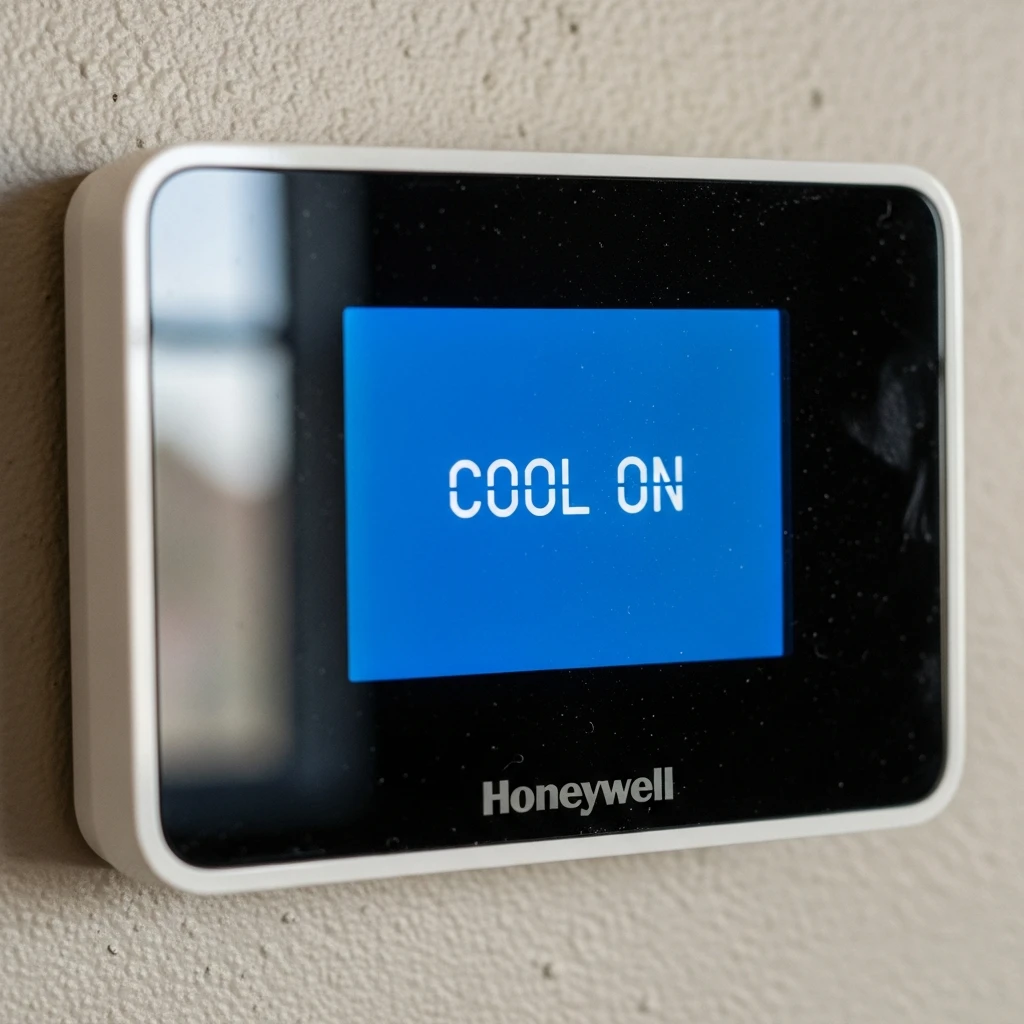
There are only a few things more annoying than walking into a warm room, staring at your thermostat, and seeing the words ‘Cool on’ blinking back at you like it knows something you don’t. Your AC is supposed to be cooling the house, yet nothing seems to happen. No cool air. No satisfying hum from the system. Just a blinking message and rising frustration!
If you’ve been searching for answers about a Honeywell Thermostat ‘cool on’ blinking issue, you’re at the right place. The good news is that this problem is often tied to built-in safety features or common HVAC issues. In many cases, it’s not your thermostat being dramatic. It’s actually trying to protect your cooling system.
Still, if the blinking continues for too long or your AC refuses to start, it could point toward a deeper issue involving the thermostat, wiring, power supply, or the HVAC system itself.
Here’s a guide on what the ‘Cool On’ message really means, why it happens, and what you can do to get your cooling system back on track!
Why is the ‘Cool on’ message blinking?
When a Honeywell thermostat starts blinking ‘Cool On,’ it means the thermostat is in cooling mode and attempting to communicate with the air conditioning system. Under normal conditions, this is part of a built-in delay designed to protect the compressor.
The delay is commonly referred to as compressor protection or minimum off timer mode. The thermostat temporarily prevents the compressor from restarting too quickly after shutting down. Without this pause, the system could short-cycle, potentially damaging the HVAC equipment.
In simpler terms, your thermostat is basically telling the AC system, “Give it a second before jumping back in!”
Under normal operating conditions, this delay can last up to five minutes. During that time, you may also see messages like ‘Wait’ or ‘Waiting for Equipment’ depending on the thermostat model. So yes, seeing the blinking message for a few minutes is usually completely normal.
How long should ‘Cool On’ Blink?
In most situations, the blinking ‘Cool On’ message should disappear within five minutes.
Honeywell Thermostats include this delay intentionally to protect the compressor from restarting too early after shutdown. Once the safe wait period ends, the cooling system should begin operating normally. If the blinking stops and cool air starts flowing, there is typically nothing you have to worry about.
But if the message keeps flashing for longer than five minutes and the AC still isn’t running, that’s when troubleshooting is necessary.
Common Reasons why your Honeywell Thermostat is blinking ‘Cool On’ but not cooling
If your thermostat is stuck blinking without cooling, it usually means something is interrupting communication between your thermostat and its HVAC system.
While some of these minor causes are easy to fix. Some of them do need professional attention.
The thermostat is in delay mode.
This is the most common explanation. If you recently changed the batteries, adjusted the temperature settings, restarted the system, or experienced a power interruption, the thermostat may enter its built-in delay period.
The delay protects the compressor from turning on too quickly after shutdown. In many cases, the best thing you can do is wait for a few minutes.
Ironically, repeatedly pressing buttons or turning the system on and off can restart the timer. Sometimes the thermostat just wants some patience.
Power supply problems
If the thermostat continues blinking beyond the normal delay period, the next thing to check is the system’s power supply.
Tripped circuit breakers, interrupted power, or loose electrical connections can prevent the air conditioning unit from responding properly.
Honeywell also notes that the voltage issues may cause the thermostat to remain stuck in the delay state longer than expected.
Checking the breaker panel is often one of the simplest first steps. Make sure the breakers for the furnace, air handler, or outdoor AC unit are on.
You should also confirm that the furnace door is securely closed and that the power switch is on, as some systems will not operate if these components are interrupted.
Loose or shortened wiring
Sometimes the thermostat tries to send a cooling signal, but it never properly reaches the equipment.
Loose wires, damaged wiring, or shorted low-voltage connections can interfere with communication between the thermostat and HVAC system. In some cases, wiring issues may even cause the thermostat to reset repeatedly, which keeps restarting the compressor delay timer.
If the blinking message never clears, wiring problems are one possible explanation.Honeywell recommends verifying that thermostat wires are securely connected and that the wiring is properly connected to the terminals.
Thermostat battery issues
Low battery levels can also cause cooling interruptions. If you recently replaced the batteries and immediately noticed the blinking ‘Cool On’ message, the thermostat may simply be rebooting and entering delay mode.
However, weak or damaged batteries can sometimes create additional communication issues.A fresh set of batteries may help restore normal operations.
HVAC system or compressor problems
Not every ‘Cool On’ issue starts with the thermostat itself. The thermostat may actually be running perfectly while the HVAC system fails to respond.
Possible problems can include compressor failure, startup issues, or internal HVAC faults that prevent the cooling cycle from completing.Signs of larger system problems may include:
- Warm air blowing from the vents
- Strange noises from the outdoor unit
- The system is shutting off unexpectedly
- Cooling that starts briefly and then stops again
When these symptoms appear alongside a consistently blinking thermostat, it may indicate that the problem extends beyond the thermostat settings.
What to do when your thermostat displays ‘Cool On’ but the AC isn’t running?
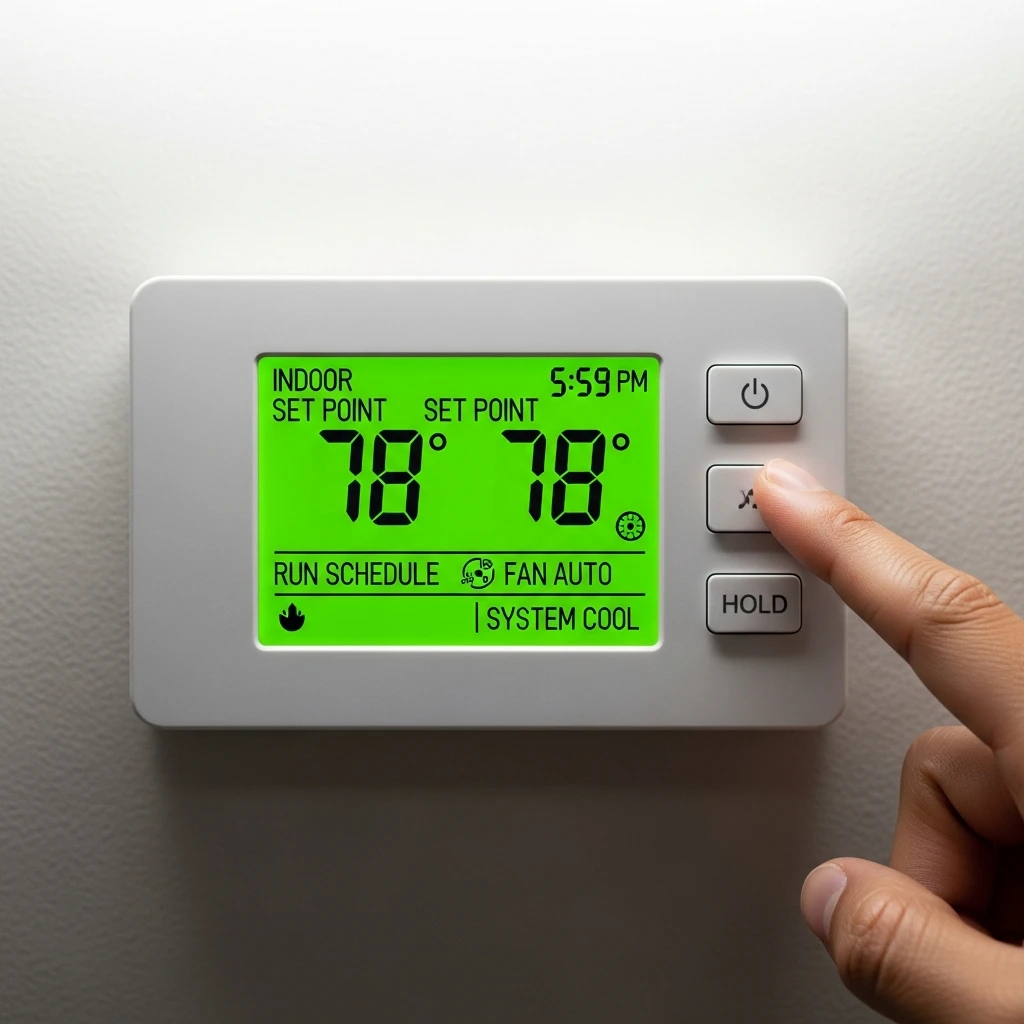
If your thermostat is blinking and your air cooler machine refuses to cooperate, there are many troubleshooting steps worth trying before you call it in for service.
Wait the full five minutes.
First, allow the thermostat delay cycle to complete.
Because the built-in compressor protection feature can last up to five minutes, immediately assuming something is broken may create unnecessary stress. Sometimes the system simply needs enough time to restart.
Check your thermostat settings.
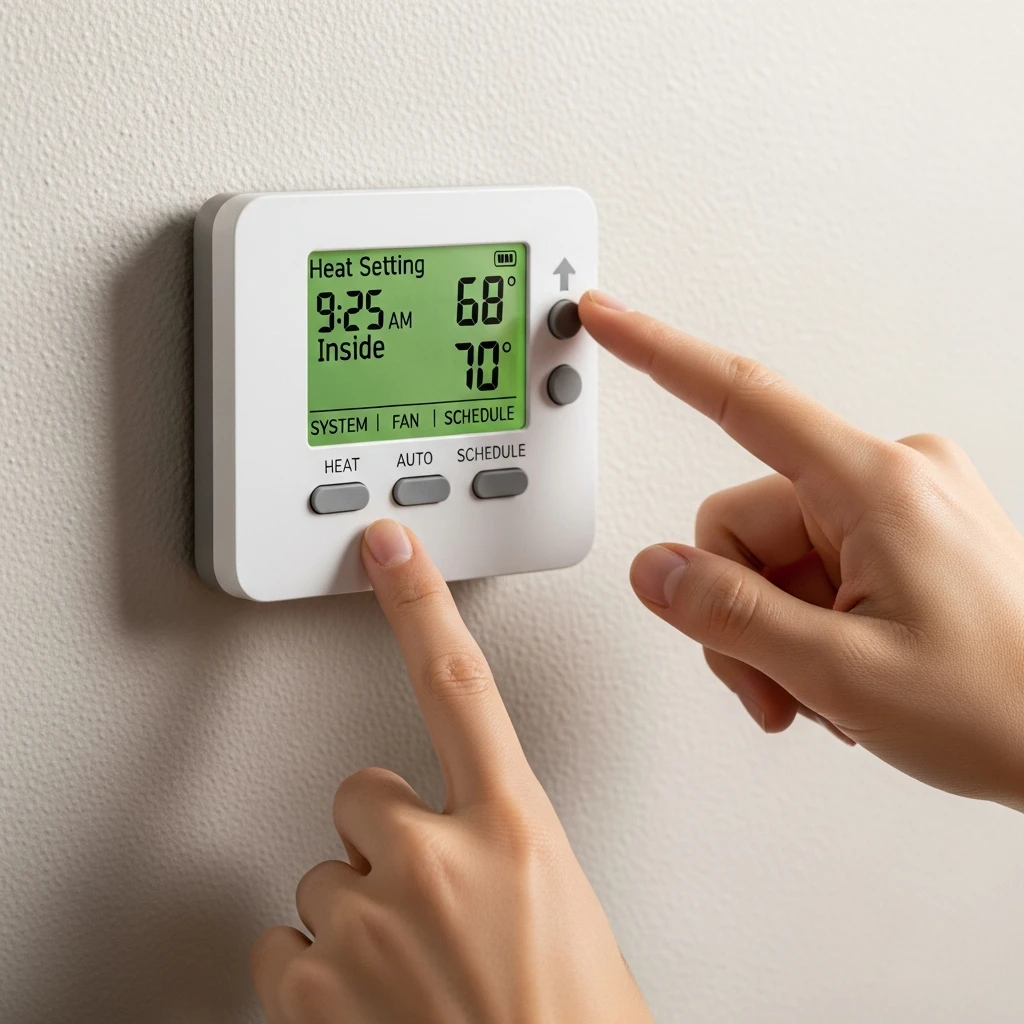
Make sure that the thermostat is actually set to cooling mode. Also, make sure that the cooling setpoint is lower than the current room temperature. If the thermostat isn’t calling for cooling properly, the system may not activate.
You should also confirm that the display shows ‘Cool On’ steadily once the delay period ends, rather than continuing to flash.
Inspect the power supply.
Check the breaker panel for any tripped switches connected to the HVAC system. Also verify:
- The furnace or air handler power switch is turned on.
- The furnace door is fully closed.
- The outdoor unit has power.
Even a small power interruption can prevent the system from responding.
Replace the batteries
If the thermostat uses batteries, replacing them with fresh ones may help clear communication issues.
Weak batteries can sometimes cause erratic thermostat behavior or prevent proper startup.
Reset the thermostat
A simple reset can sometimes restore communication between the thermostat and the HVAC machines.
One reset method involves:
- Turning off the thermostat
- Removing it from the base, if possible
- Removing the batteries
- Waiting about 30 seconds
- Reinstalling the batteries
Another option is to reset the HVAC system by switching off the breaker connected to it, waiting roughly 1 minute, and then turning it back on.
This power cycle may help resolve startup glitches or temporary communication problems.
When should you call a professional?
If you’ve tried everything mentioned above, but your AC still won’t work, and your thermostat continues to blink beyond the normal period, professional troubleshooting may be necessary.
Persistent issues can indicate:
- Voltage irregularities
- Shorted wires
- Compressor failure
- HVAC hardware problems
- Thermostat malfunctions
A professional contractor can verify whether the thermostat voltage falls within an acceptable range and determine if the wiring and HVAC components are functioning correctly.
At that point, the thermostat isn’t being stubborn anymore. It’s basically waving a tiny digital white flag.
How to prevent cooling problems in the future?
Routine HVAC maintenance plays a major role in preventing recurring cooling issues. Keeping your system clean and properly maintained may reduce the changes of communication problems between your machines or cooling interruptions.
Helpful maintenance steps include:
- Keeping vents clean
- Replacing filters regularly
- Inspecting wiring for visible wear
- Checking the outdoor AC unit periodically
Staying proactive with maintenance can help catch small issues before they turn into larger cooling failures.
Conclusion
A Honeywell Thermostat ‘Cool On’ blinking message usually means the thermostat is protecting your HVAC System through a built-in delay feature. In many cases, the issue resolves itself within five minutes once the compressor safely starts.
However, if the blinking continues and your AC never turns on, the problem may range from power supply interruptions to HVAC component failures. Starting with simple troubleshooting steps like checking breakers, replacing batteries, confirming settings, and resetting the thermostat can often solve the issue.
If those fixes don’t work, contacting a HVAC professional is the next best option. Because while patience is helpful, sweating indoors while your thermostat blinks endlessly at you isn’t exactly a personality-building exercise!